Elevating Your Brand with the Gildan 64000 White Shirt Flat Lay Mockup
Presenting apparel designs effectively requires more than just a great graphic; it demands a presentation that bridges the gap between digital concept and tangible product. The Gildan 64000 White Shirt Flat Lay Mockup serves as this essential bridge for designers, small business owners, and print-on-demand entrepreneurs. This specific mockup captures the clean, fresh, and personable aesthetic of the popular Softstyle® tee, offering a minimal and professional backdrop that keeps the focus squarely on your artwork. Whether you are launching a new streetwear line or updating an Etsy shop, understanding how to leverage this visual asset correctly can significantly impact your conversion rates and brand perception.
Understanding the Appeal of the Gildan 64000 Aesthetic
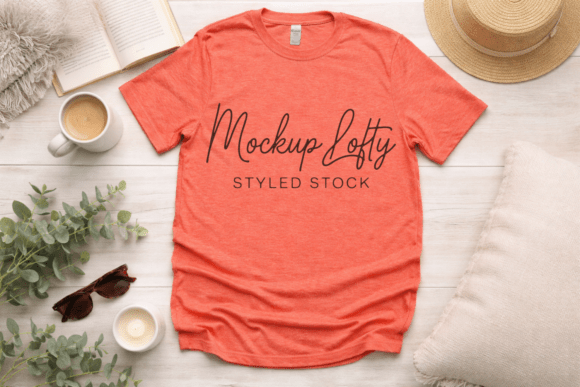
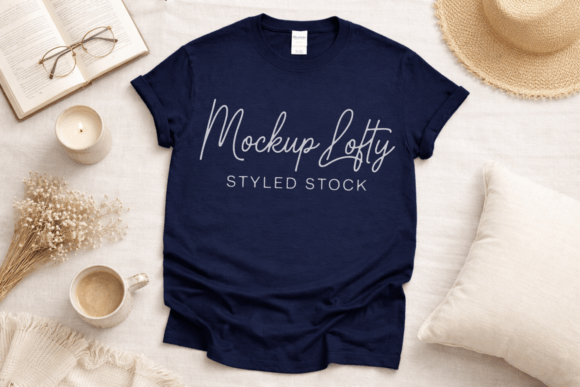
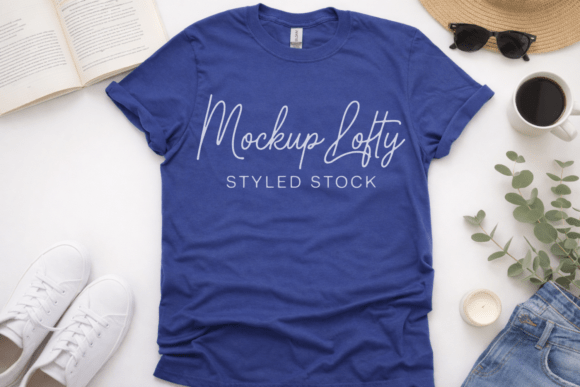
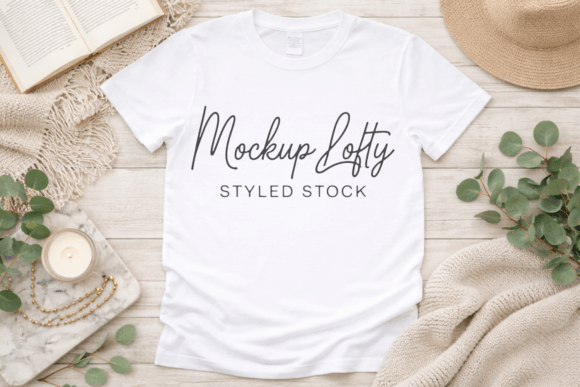
The Gildan 64000 is a staple in the blank apparel industry because of its ring-spun cotton feel and modern fit. When translated into a T-shirt mockup, these physical characteristics must be visible. A high-quality flat lay does not look like a stiff cardboard cutout; it retains the natural drape and subtle shadows of real fabric. This particular mockup features a white wooden background, which provides a neutral yet textured canvas. This texture is crucial because pure white backgrounds can sometimes cause exposure issues or make the shirt blend into the void. The wood grain adds warmth and context without competing with your design.
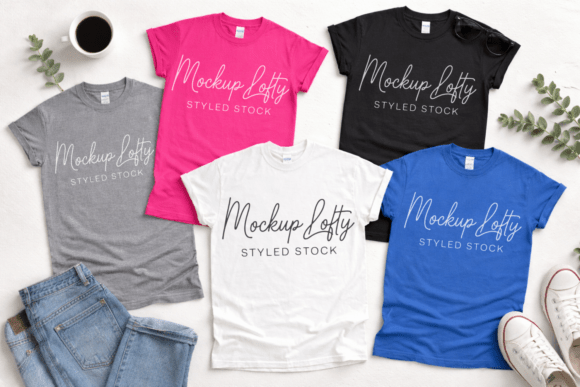
This versatility makes it suitable for a wide range of niches. From trendy boho gender neutral aesthetics to crisp corporate branding, the neutrality of the white tee allows the viewer to project their own identity onto the garment. It functions equally well as a casual T-shirt mockup for lifestyle brands or a clean template for educators and non-profits needing uniform visuals. However, owning the file is only the first step; using it strategically is where many creators falter.
Common Pitfalls When Using JPEG Flat Lays
One of the most frequent misunderstandings involves the file format itself. This mockup is provided as a JPEG file at 300 DPI. While JPEGs are universally compatible with tools like Canva and Photoshop, they differ fundamentally from layered PSD files. Beginners often download this expecting smart objects where they can simply double-click to insert art. When they realize it is a flattened image, frustration sets in.
This limitation is not a defect but a feature of accessibility. To avoid poor results, you must adjust your workflow. Instead of relying on automated placement, use blending modes. In Photoshop, placing your design layer above the mockup and setting it to "Multiply" or "Screen" (depending on ink color) allows the shirt’s folds and shadows to show through your artwork. In Canva, utilizing transparency adjustments and shadow effects can mimic this integration. Ignoring this step results in designs that look like stickers floating on top of the shirt rather than ink absorbed into the fabric, instantly reducing the perceived value of your branding apparel mockup.
Resolution and Color Accuracy Errors
Another critical oversight occurs during the export phase. Because this is a high resolution asset, users sometimes assume any output will remain sharp. However, if you are designing for web use and compress the final image too aggressively, the subtle details of the oversized shirt flat lay tee texture will degrade into pixelation. Conversely, using the full 300 DPI file directly on a website without optimization will slow down page load times, hurting SEO and user experience.
Color management is equally vital. The Gildan 64000 White is a specific shade of optical white. If your monitor is uncalibrated or your workspace lighting is warm, your design might appear yellowed or gray in the final presentation. Always check your colors against a standardized reference. For those creating sublimation T-shirt mockups or DTG previews, remember that digital screens display RGB color while printing uses CMYK. A vibrant neon design might look perfect on the white wooden background digitally but fail in production. Use this mockup as a visual sales tool, but always verify print feasibility separately.
Strategic Application for Different Markets
To maximize the utility of this digital T-shirt mockup, tailor your presentation to your specific audience. A one-size-fits-all approach rarely converts. Here is how to adapt the Gildan 64000 flat lay for distinct market segments:
- Streetwear and Urban Brands: Lean into the realistic streetwear trendy look by pairing the mockup with bold typography overlays or urban props in your social media posts. The clean shirt acts as a counterbalance to chaotic design elements.
- Small Business and Corporate: Use the mockup for internal presentations or employee store catalogs. The professional and appealing way this shirt is photographed communicates reliability. Ensure your logo placement adheres to standard industry sizing to maintain credibility.
- Etsy and POD Sellers: Customers need to visualize fit. Since this is a unisex 3D flat lay, consider adding size charts or fit notes in your listing images. The flat lay shows the garment shape clearly, helping reduce returns due to sizing confusion.
- Kids and Toddler Lines: While the 64000 is an adult tee, the toddler tee flat lay aesthetic is similar. If selling children's wear, ensure you aren't accidentally using this adult mockup for kids' products, as the proportions will mislead parents. Use this specifically for adult or youth-unisex collections.
Evaluating Commercial Use and Licensing
Before integrating this commercial use mockup into your business assets, verify the licensing terms. Most downloadable mockups allow for commercial use in marketing and sales, but prohibit reselling the mockup file itself or using it in a competing mockup product. Overlooking this distinction can lead to legal complications. As a mockup for small business owners, protecting your intellectual property and respecting others' is part of building a sustainable brand.
Additionally, assess whether the style aligns with your long-term branding. Trends shift quickly. While the aesthetic flat lay trendy mockup style is currently dominant, ensure it won't date your listings in six months. The beauty of the Gildan 64000 white tee is its timelessness. Unlike models with specific hairstyles or seasonal backgrounds, this blank apparel mockup remains relevant year-round. It is a safer investment for evergreen content compared to highly stylized, trend-dependent alternatives.
Enhancing Presentation Quality
Finally, do not let the simplicity of the white T-shirt mockup lead to lazy compositions. Even though the file is clean and free from text, tags, or watermarks, you should still curate the surrounding space. If using this for Instagram, consider cropping to 4:5 ratio for better feed presence. If using it for a website hero banner, ensure the negative space accommodates your headline text without obscuring the shirt's neckline or hem.
For those seeking a modern mockup feel, experiment with overlay textures like grain or light leaks to add depth. This prevents the printable T-shirt mockup from looking sterile. Remember, the goal is to make the customer feel the softness of the ring-spun cotton through the screen. By treating this JPEG not just as a template but as a foundational element of your visual storytelling, you transform a simple product photo into a compelling sales asset. Whether you are showcasing a logo T-shirt mockup for a local event or a complex artistic print for global distribution, the Gildan 64000 White Shirt Flat Lay offers the professional consistency needed to build trust and drive engagement.